
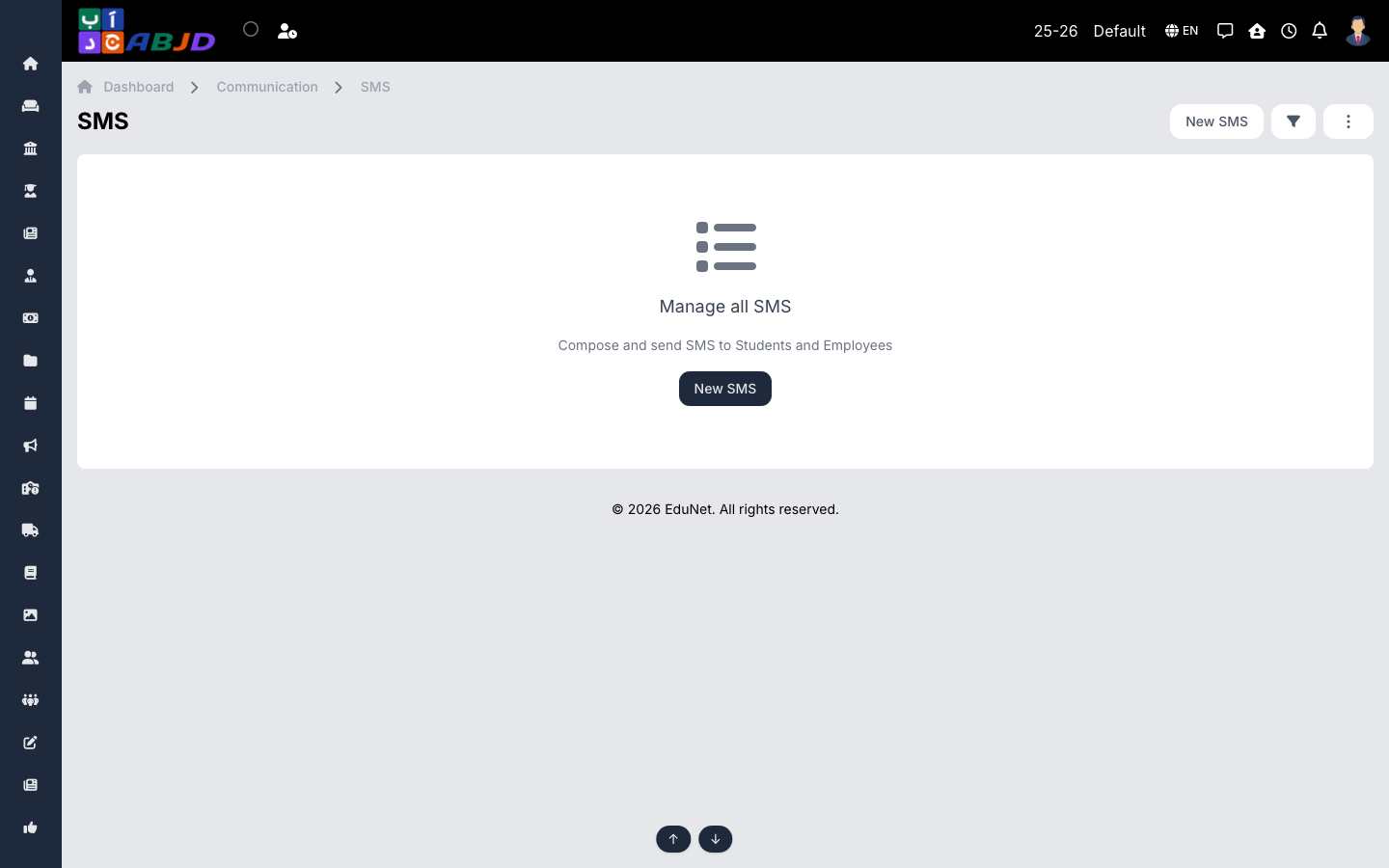
The SMS screen sends text messages through the school’s SMS gateway and logs each batch sent.
Open it from the sidebar: Communication → SMS.
Send an SMS
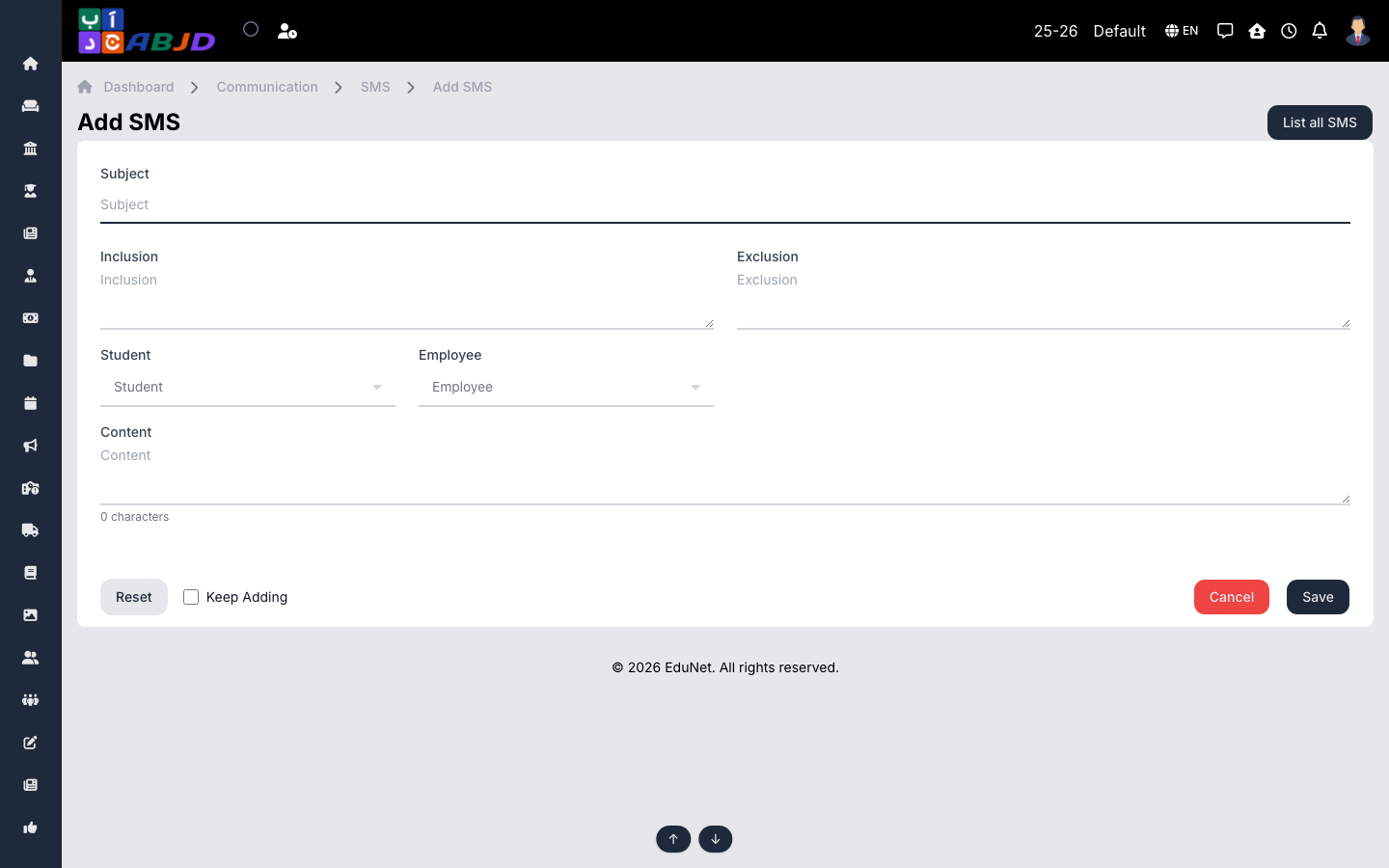
- Click New SMS.
- Choose the recipients — roles, batches or individual numbers.
- Write the message (watch the character count).
- Send — delivery is queued through the gateway and logged.
Tip: student-related SMS use the guardian’s contact number when the student has none — communication always reaches a real phone.