
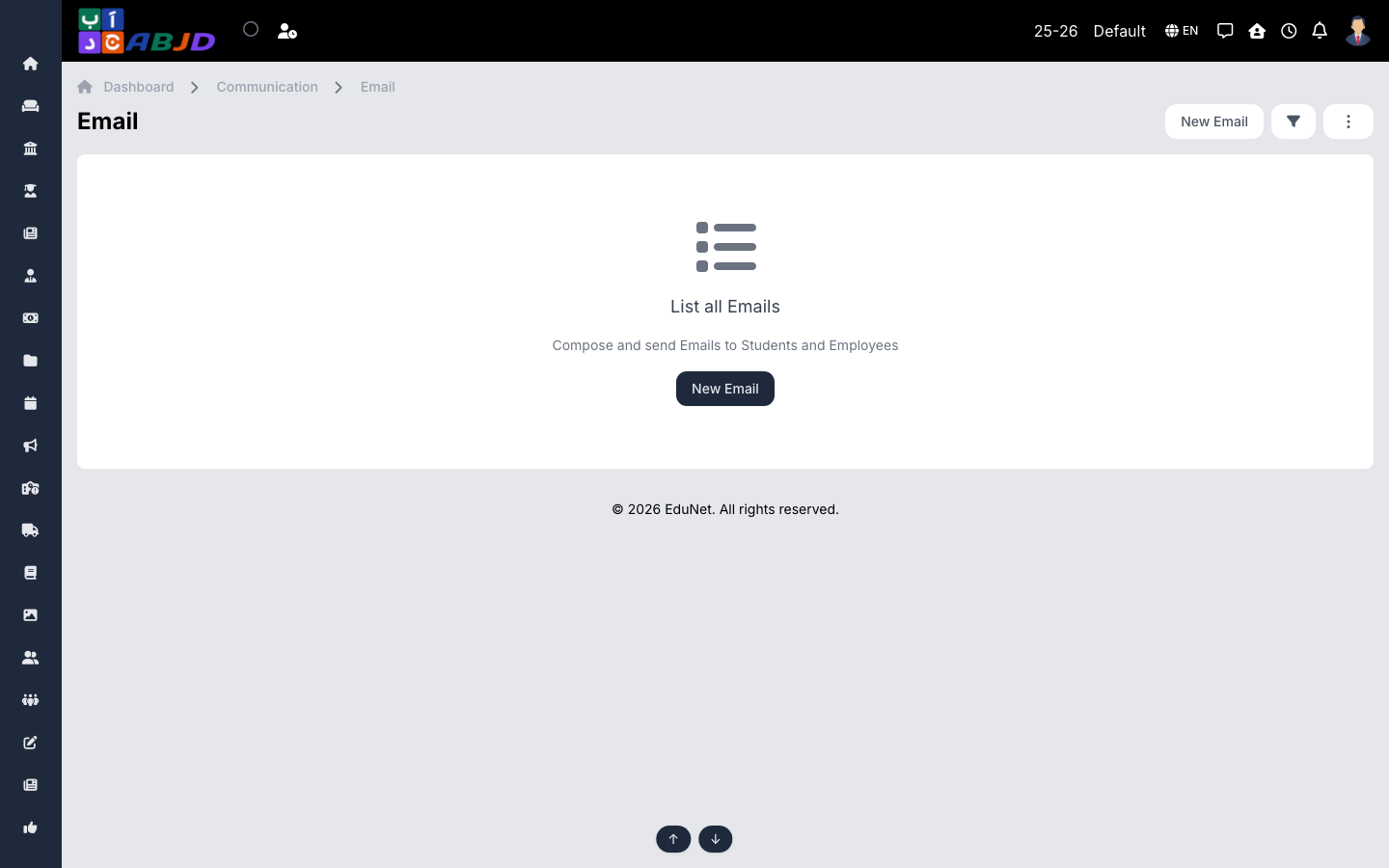
The Email screen sends messages through the school’s configured mail account and keeps a log of everything sent.
Open it from the sidebar: Communication → Email.
Send an email
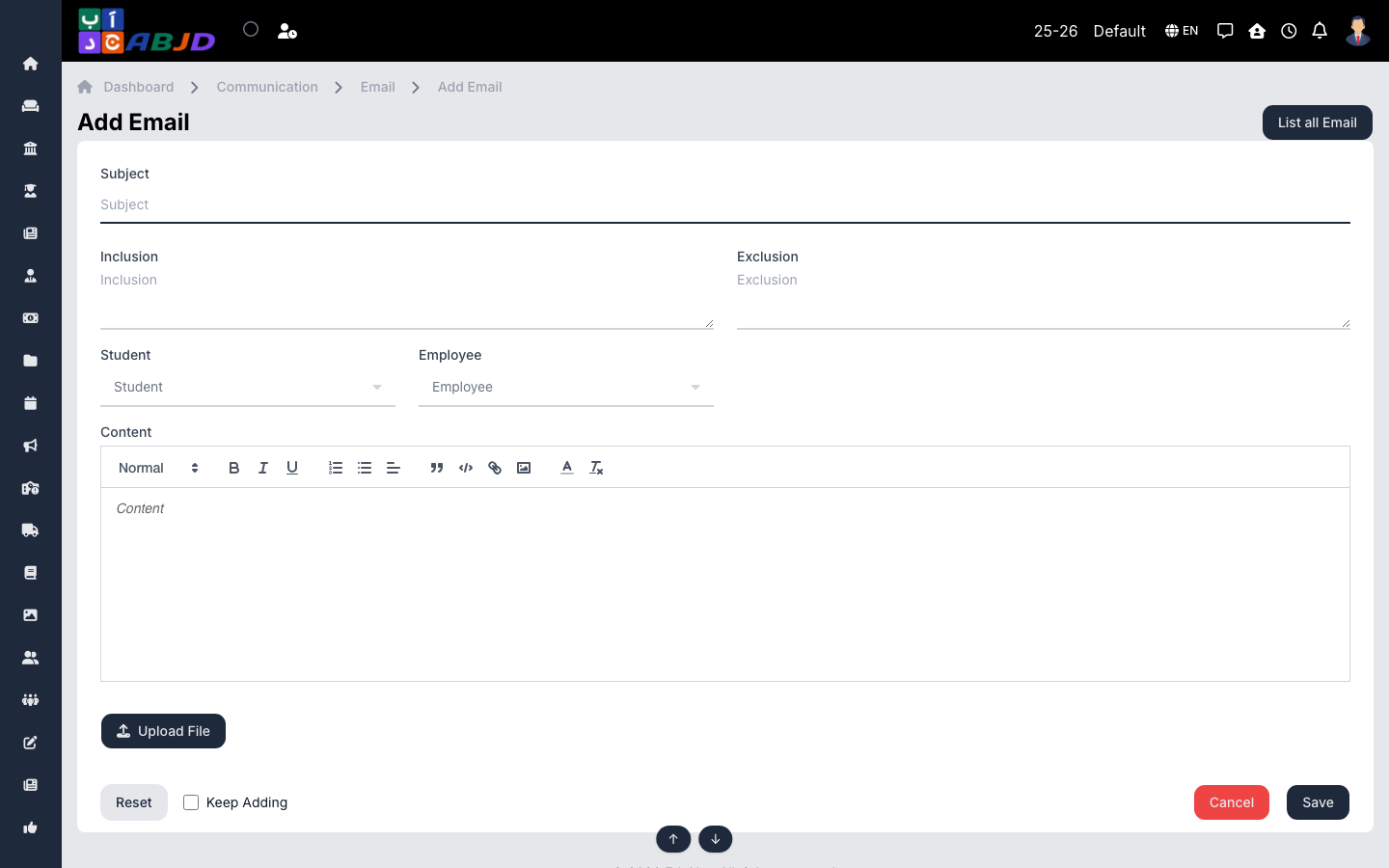
- Click New Email.
- Choose the recipients — roles, batches or individual people.
- Write the subject and the message body; attach files if needed.
- Send — delivery is queued and logged.
Row actions
- View — open a sent email with its recipients and delivery status.
Tip: the sending mail account is configured under Config → Mail — emails will not go out until that is set up.