
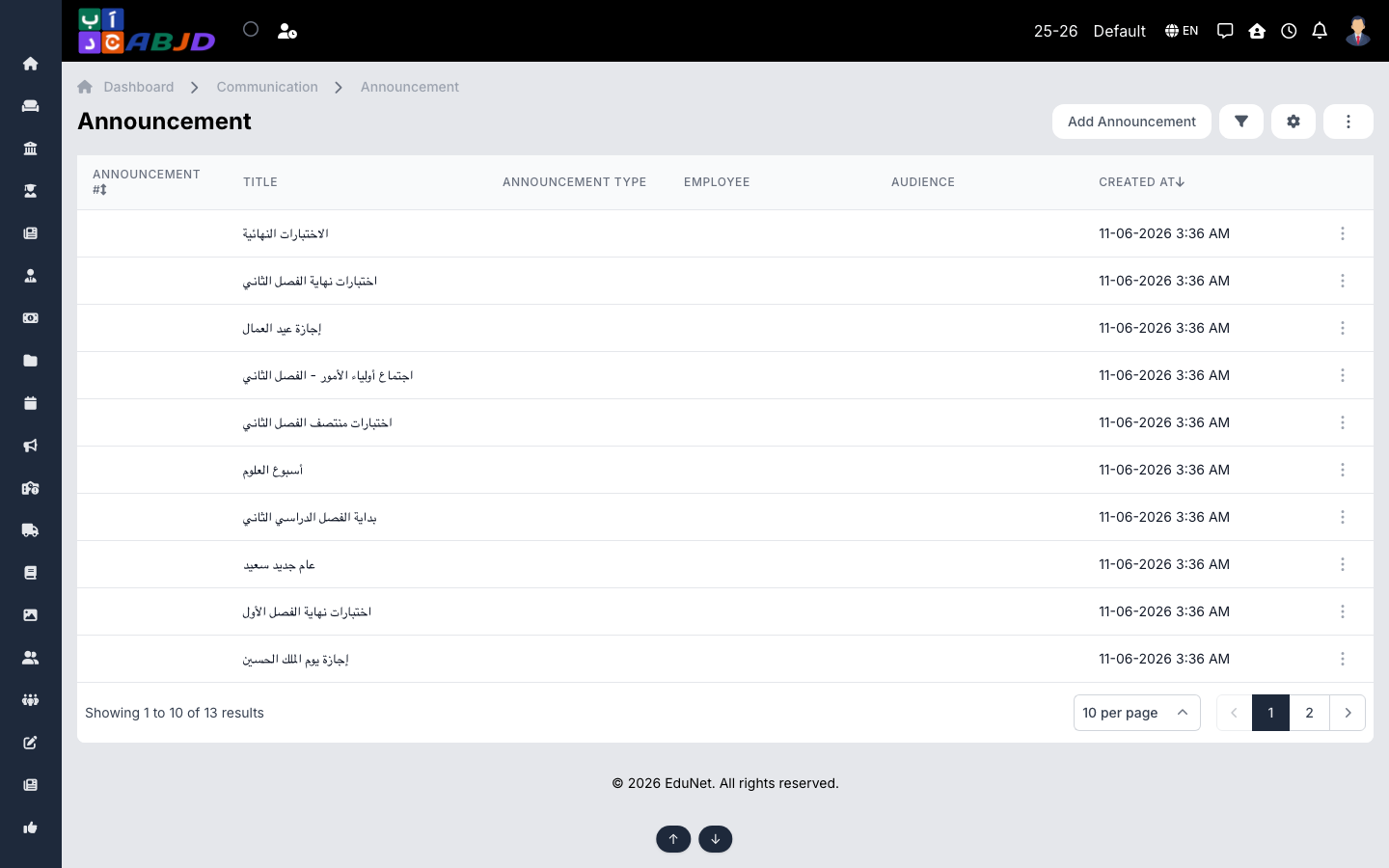
Announcements are the school’s official notices — published to a chosen audience (staff, students, guardians, specific batches) and visible in the portal and mobile app, with an optional push notification.
Open it from the sidebar: Communication → Announcement.
Create an announcement
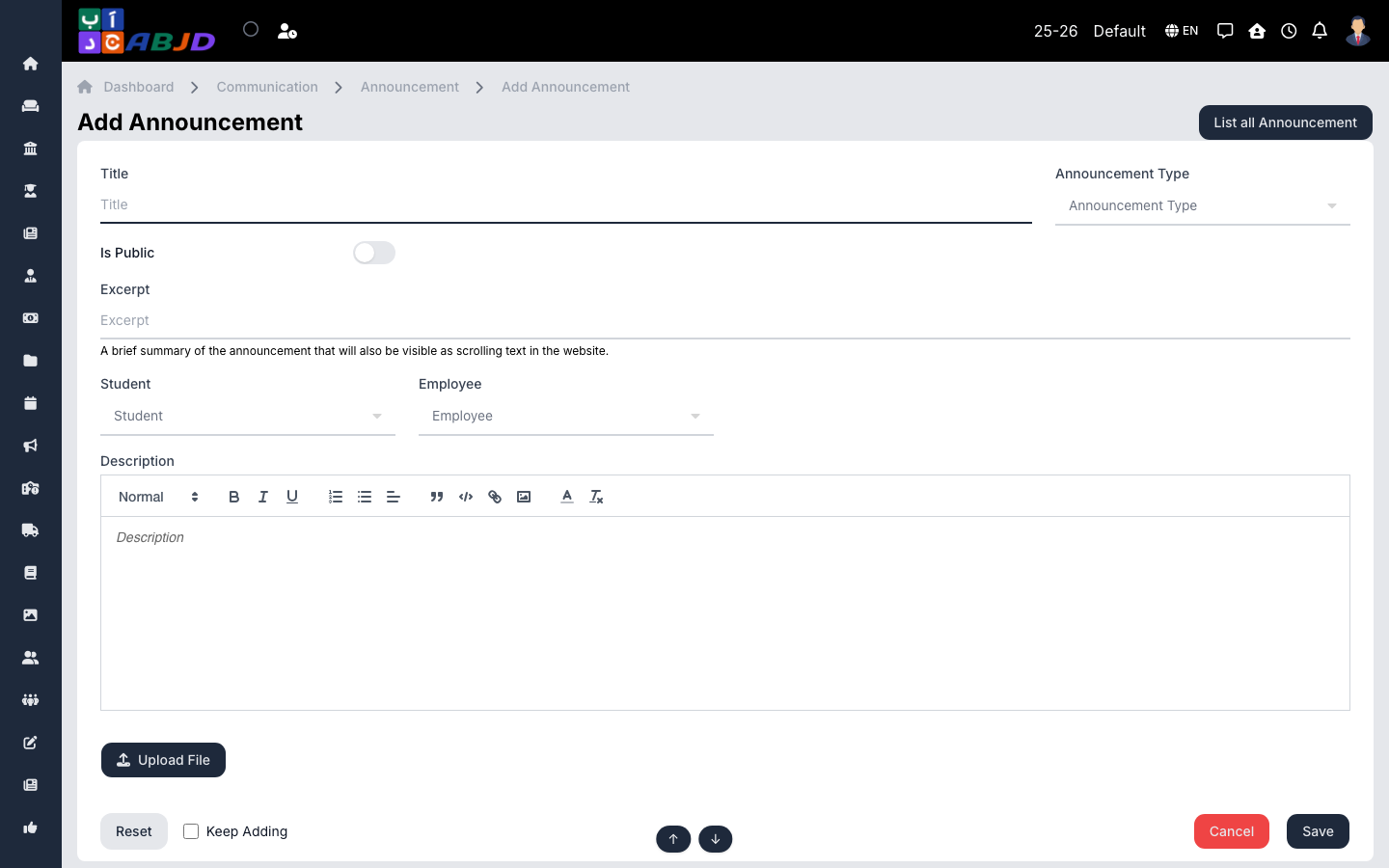
- Click Add Announcement.
- Enter the title and the content, and pick the announcement type.
- Choose the audience — roles, batches or everyone.
- Attach files if needed and click Save/Publish — the audience is notified.
Row actions
- View / Edit — open or change the announcement.
- Delete — remove an announcement.