
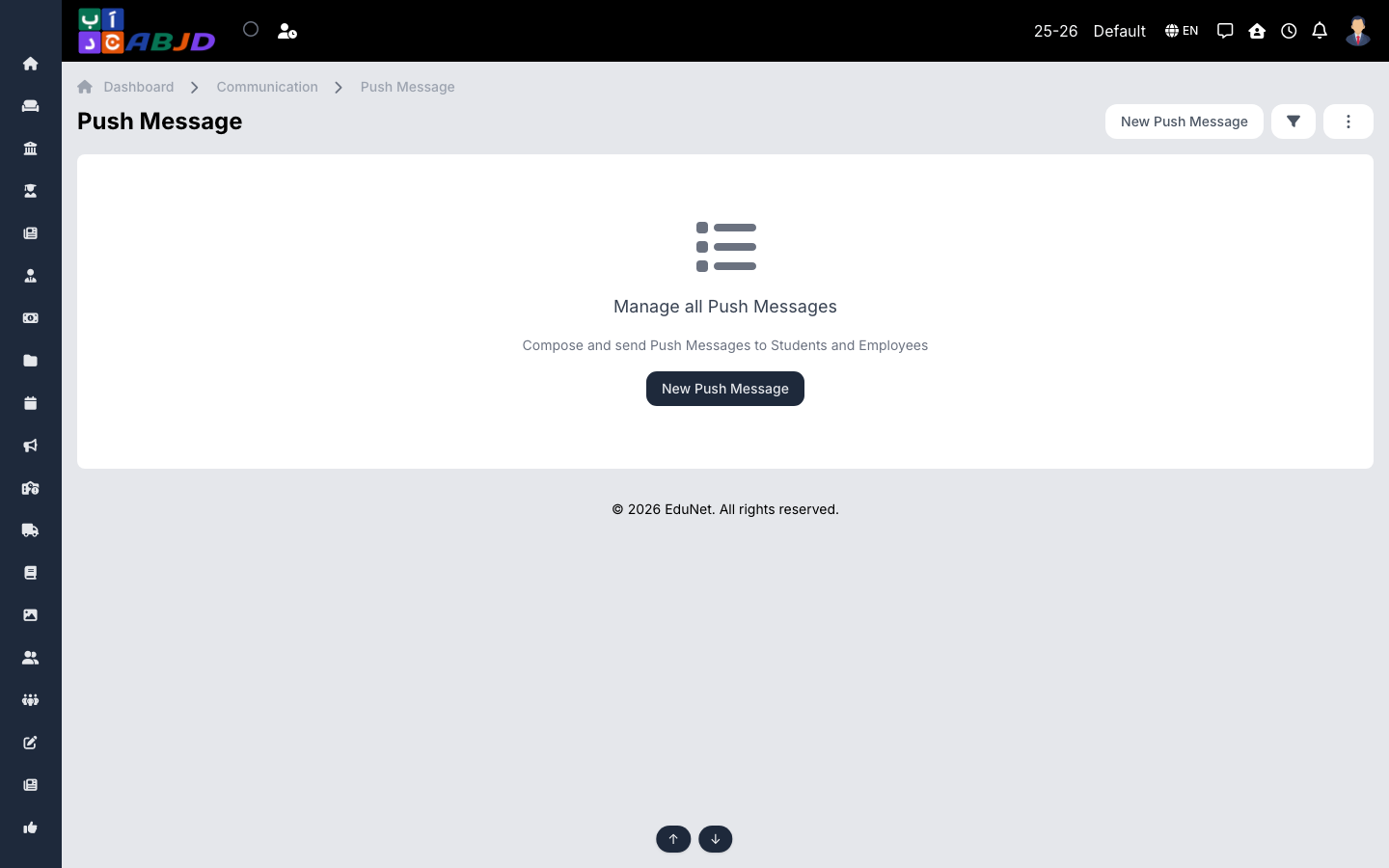
Push Messages sends notifications straight to users’ phones through the ABJAD mobile apps — instant, free, and logged per send.
Open it from the sidebar: Communication → Push Message.
Send a push message
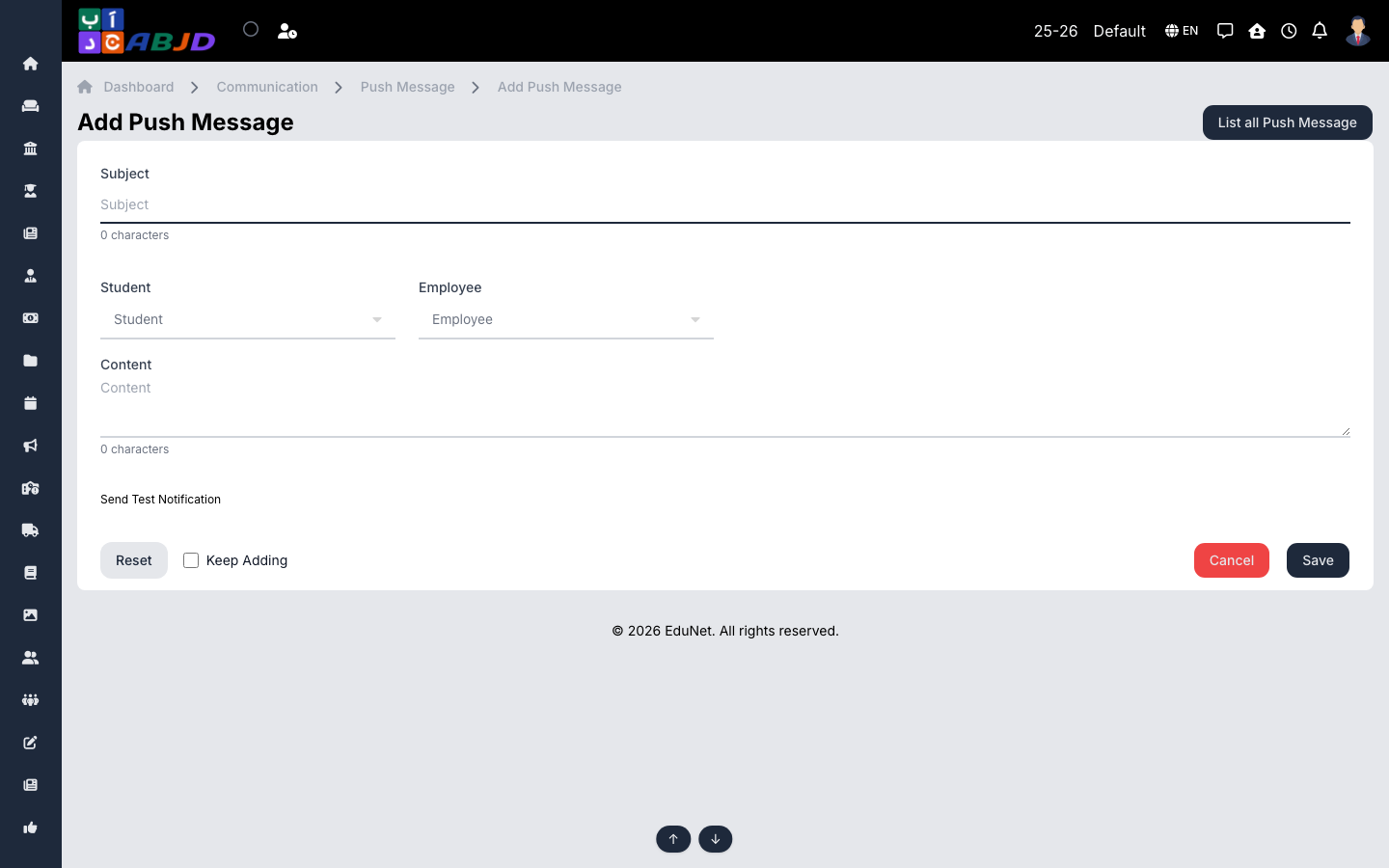
- Click New Push Message.
- Choose the recipients — roles, batches or individuals.
- Write the title and the body.
- Send — devices receive the notification within seconds, even in the background.
Tip: push is best for time-sensitive notices (early dismissal, bus delay); pair it with an announcement for the full details.