The ABJAD mobile app gives every user a role-based experience: guardians follow their children, students see their day, teachers run their classes and principals watch the whole school — all from the same app.
Logging in
- Install the app and open it.
- Sign in with the same email and password used on the web platform.
- Users linked to more than one child or school can switch context from inside the app.
What you get everywhere
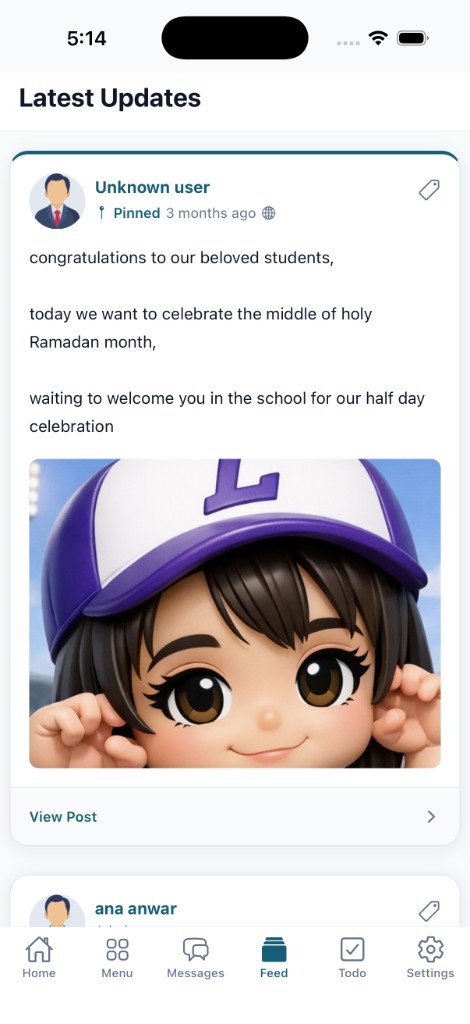
- Feed — announcements and updates as they are published.
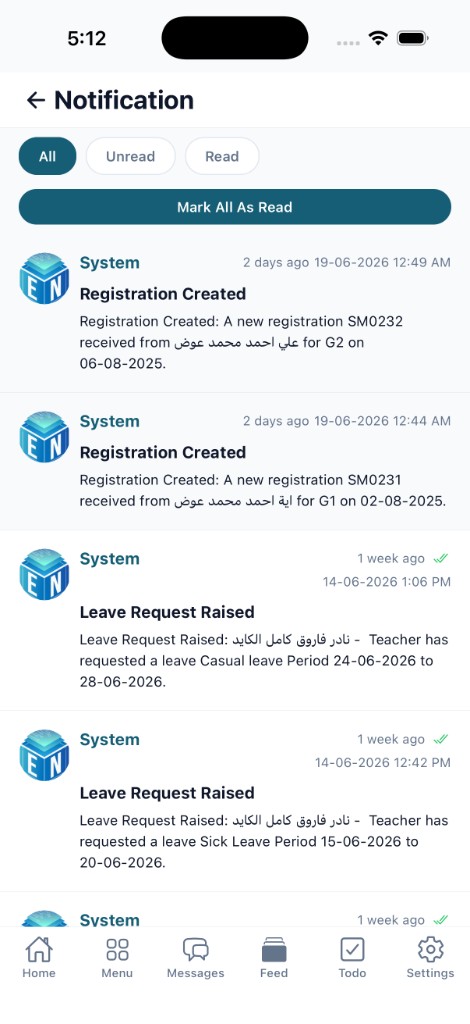
- Notifications — push messages arrive even when the phone is locked.
- Chat — direct messaging between parents, teachers and staff.
- Arabic and English — the whole app follows the user’s language, right-to-left included.